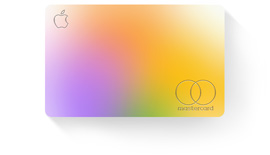
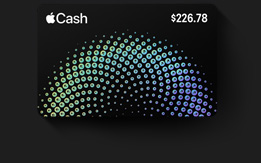
Now send and receive money with Apple Cash right in Wallet. Learn more

Apple Wallet

Carry
one thing. Everything.
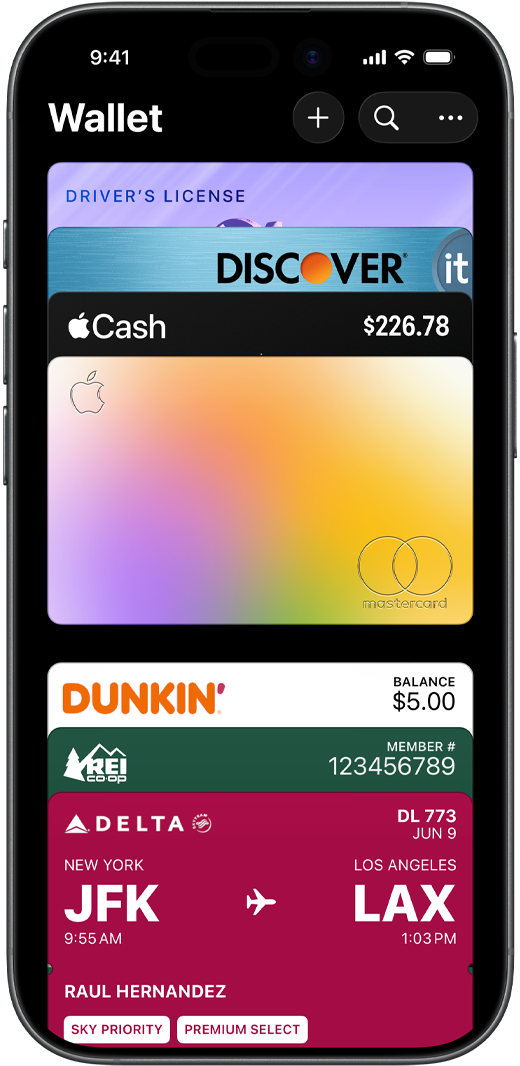
The Wallet app lives right on your iPhone. It’s where you securely keep your credit and debit cards, eligible driver’s license or state ID, transit cards, event tickets, keys, and more — all in one place. And it all works with iPhone or Apple Watch, so you can take less with you but always bring more.
Payments
and Rewards

Start here.
Pay anywhere.

Add a credit
or debit card.
With no
added effort.

Add a Credit or Debit Card

Check balances.
Tap it there,
see it here.

Check Balances

Apple Pay

Apple Cash.
Send it. Spend it.
Stash it.

Apple Cash

Flexible
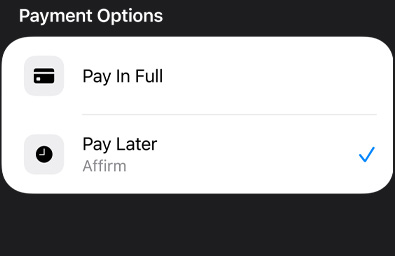
payments.

For all the ways you pay.

Flexible Payments

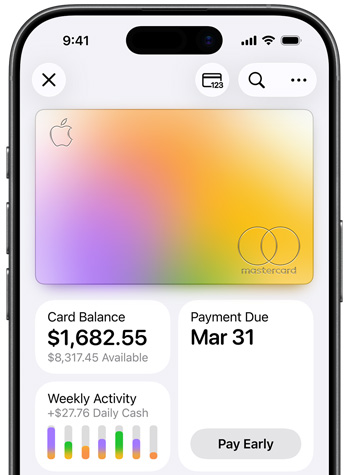
Apple Card.
A different kind
of credit card.

Apple Card

Rewards
and loyalty.
You reap
what
you
store.
Rewards and Loyalty

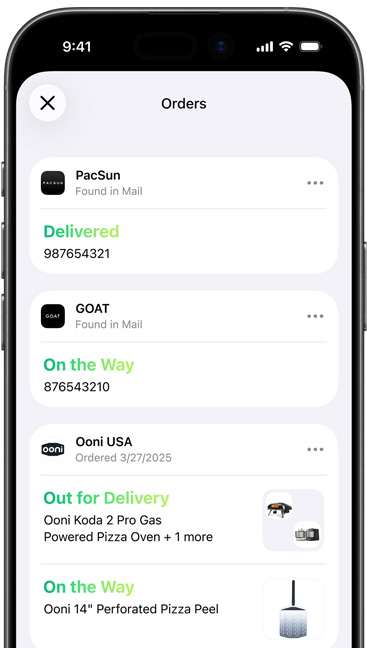
Order Tracking.
A smart tool for smoother deliveries.

Order information and organized emails related to the order within Apple Wallet on iPhone screen
Order Tracking with Apple Intelligence

Identity Cards
Always on hand.
Or wrist.

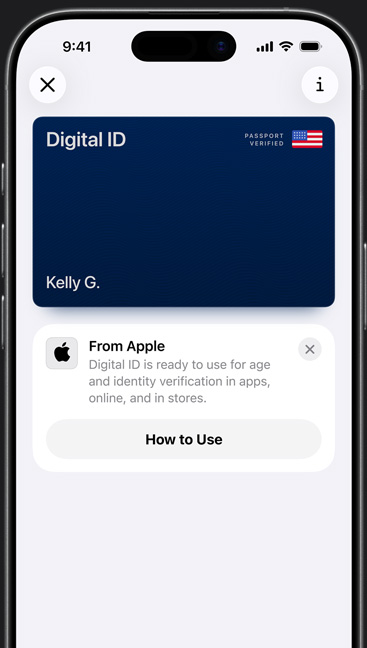
Driver’s
license
and state ID.

Now on
iPhone.

Driver’s License and State ID
New

Digital ID.
Ready for
takeoff.

Digital ID

Employee badge.
Works wonders
at work.

Employee Badge

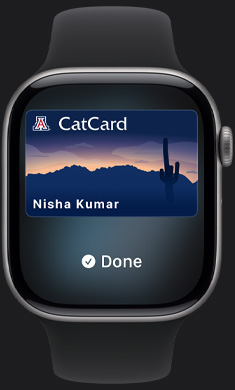
Student ID.
Big app on
campus.

Student ID

Transit
and Tickets

Your even more mobile device.

Express
Mode.

Tap.
Ride.
Done.

Express Mode

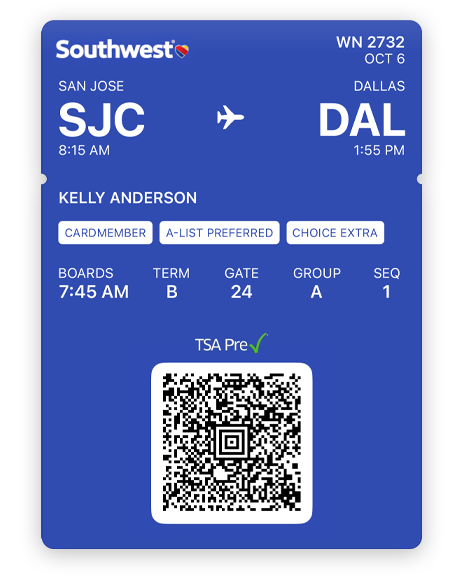
Boarding
passes.

Easier on
the fly.

Southwest boarding passes will be available at a later date.

Boarding Passes

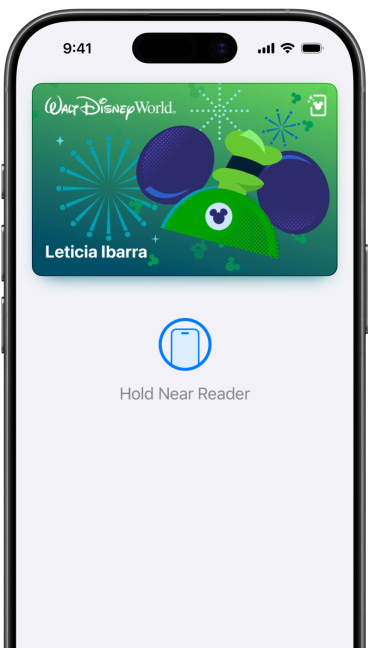
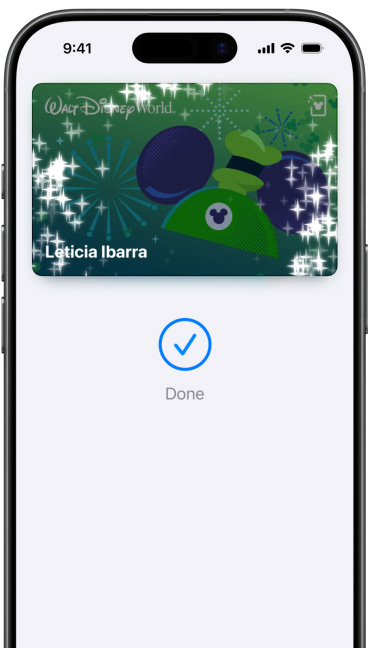
Theme parks. Your ticket to ride, enter, eat, and smile.

Theme Parks

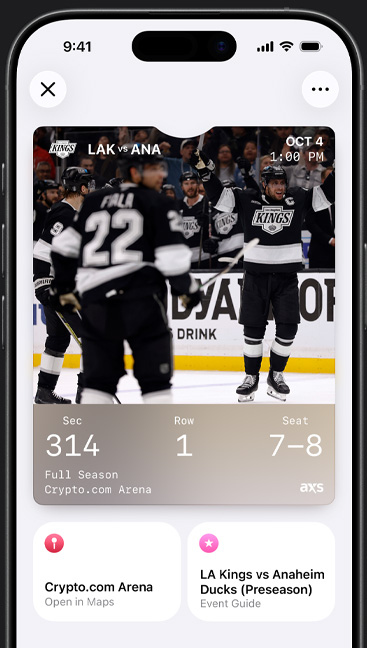
Sports and
live events.

Just show.
And go.

Sports and Live Events

Keys
Now with
less key.

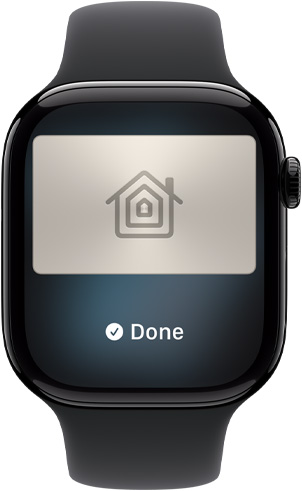
Home key.
So nice
to come
home to.

Home Key

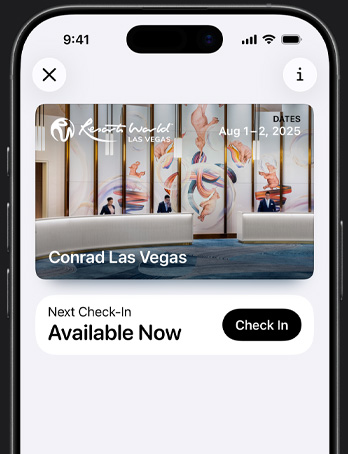
Hotel key.
A new level of room service.

Hotel Key

Car key.
Leave the keys. Take the wheel.

Car Keys

The wall around Wallet.

Wallet takes full advantage of the privacy and security built into iPhone, which is designed to protect your identity and keep what’s yours yours. When you make a purchase, Apple Pay uses a unique transaction code, so your actual card number is never shared by Apple with a merchant or stored on Apple servers. And there’s no need to carry physical cards or touch buttons in stores. So it’s safe to say you’ll feel safer.

Questions? Answers.

  • What is Apple Wallet?

    Apple Wallet is an app on iPhone and Apple Watch that securely and conveniently organizes your eligible credit and debit cards, transit passes, boarding passes, tickets, identity cards, keys, order tracking details, rewards cards, and more — all in one place.

  • How safe is Apple Wallet?

    Your actual card numbers are never shared by Apple with merchants or stored on Apple servers. And your card information is securely associated with your Apple Account — helping you add and manage your cards and passes across devices.

  • How do I use Apple Wallet?

    It’s easy to use different cards and passes in Apple Wallet. Some passes can automatically appear based on time and location, like a boarding pass when you arrive at the airport.

    If you have a credit, debit, prepaid, store, or rewards card in Wallet that works with Apple Pay, just double-click the Home button to open Wallet and use your card from the reader. On iPhone X or later, double-click the side button. Learn more

    You can also use Express Transit without having to wake or unlock your phone. Learn more

    You can even use your iPhone or Apple Watch as a home, car, and hotel key. Learn more

  • How do I connect a card and view my card balance?

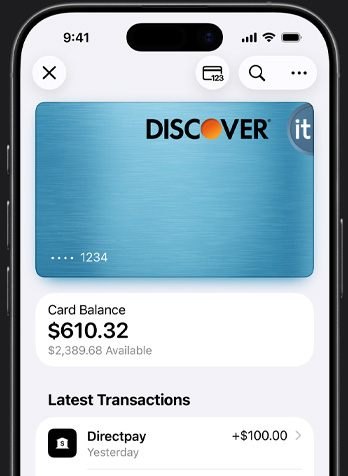
    To connect an eligible card account, you must first add your card in the Apple Wallet app. You can do this by opening the Wallet app, tapping the plus symbol, then tapping the back of your iPhone with an eligible card. Once your card is linked in Wallet, select it, tap the more button, and select Card Details. Next tap Get Account Balance & Activity and follow the steps onscreen.

  • What is the difference between Apple Pay and Apple Wallet?

    Apple Pay is a safe way to pay and make secure purchases in stores, in apps, and on the web. Apple Wallet is the place where you store your credit or debit cards so you can use them with Apple Pay.

  • How do I present my ID in Apple Wallet to a website?

    To present your ID in Apple Wallet on an iPad or Mac, tap Verify Identity. On your nearby iPhone, you’ll be shown a consent sheet with the requesting website’s logo and name, the information being presented, and whether that data will be retained. To approve, double-click the button on the side of your iPhone and authenticate with Face ID or Touch ID.

  • Which websites take ID in Apple Wallet?

    Select websites that require age or identity verification to provide a product or service. For example, websites that sell age-restricted items like alcohol, offer scooter rentals, or require identification to open a bank account or rent a car.

  • Is Digital ID a passport?

    Digital ID is not a government-issued passport. It cannot be used in situations where your government-issued passport is required, such as to cross borders. It is an ID credential issued by Apple in which the data is obtained from an authentic government-issued passport.

  • Is Order Tracking secure and private? Are my emails being read?

    This feature leverages Apple Intelligence, designed with privacy at its core. Processing happens securely on your device whenever possible, ensuring that your email content remains private while extracting only the necessary order details.

  • What if a merchant already provides Order Tracking in Apple Wallet — will I see duplicates?

    No. Apple Wallet is designed to be intelligent about this. If an order is already being tracked via direct merchant integration, Apple Wallet does not create a duplicate entry.

  • Does Apple Wallet track only purchases made using Apple Pay?

    No. This feature tracks orders regardless of the payment method used. It works by finding relevant order and shipping emails in your Mail app for purchases made online.
More for
your finances.
Apple Pay

Pay the Apple way.

Learn more

Apple Card

The simplicity of Apple.

In a credit card.

Learn more

Apple Cash

Send it.
Spend it. Stash it.

Learn more