GitHub Desktop | Simple collaboration from your desktop
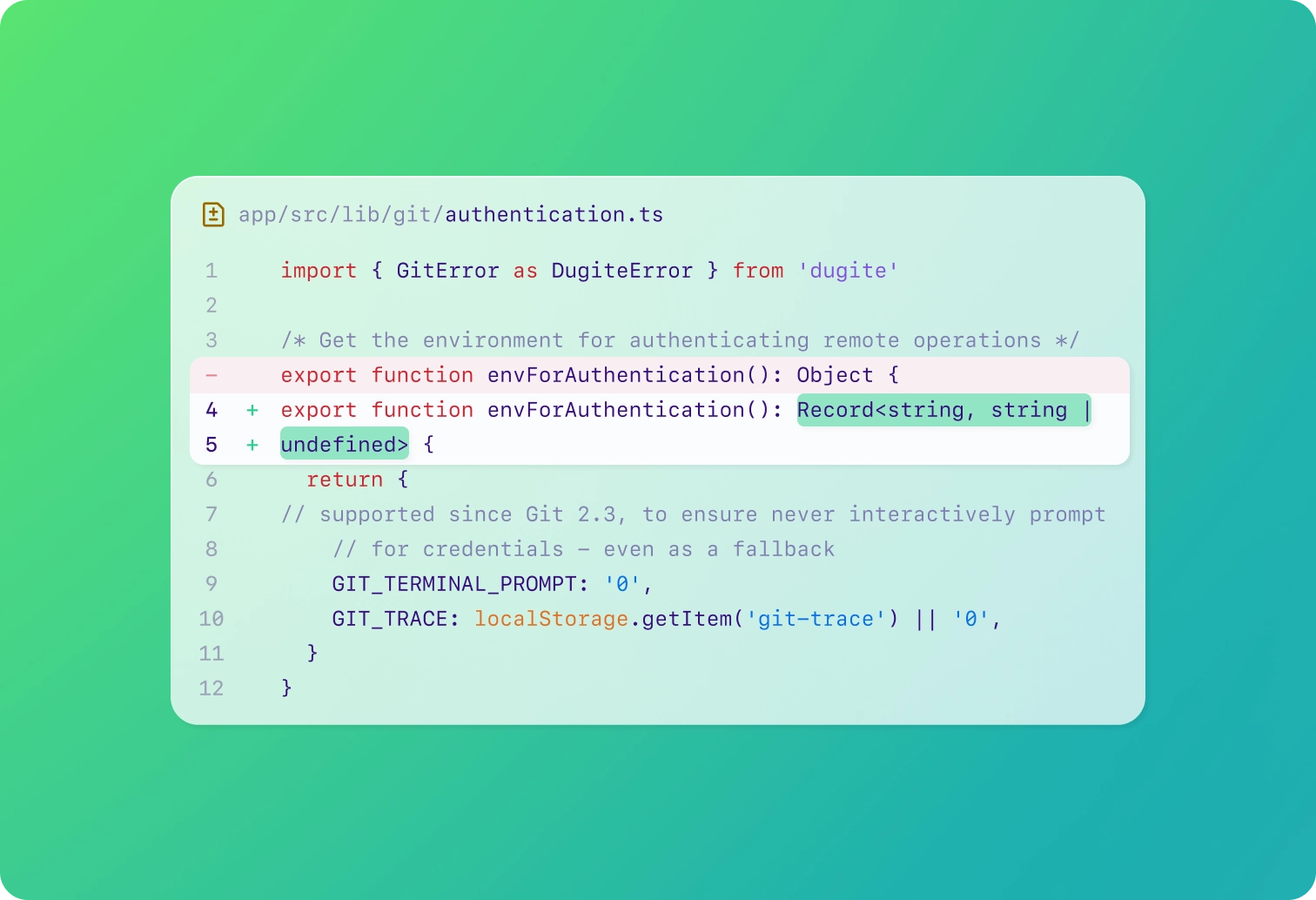
Review code changes with precision
Easily compare versions to catch every detail and ensure your code update is flawless.
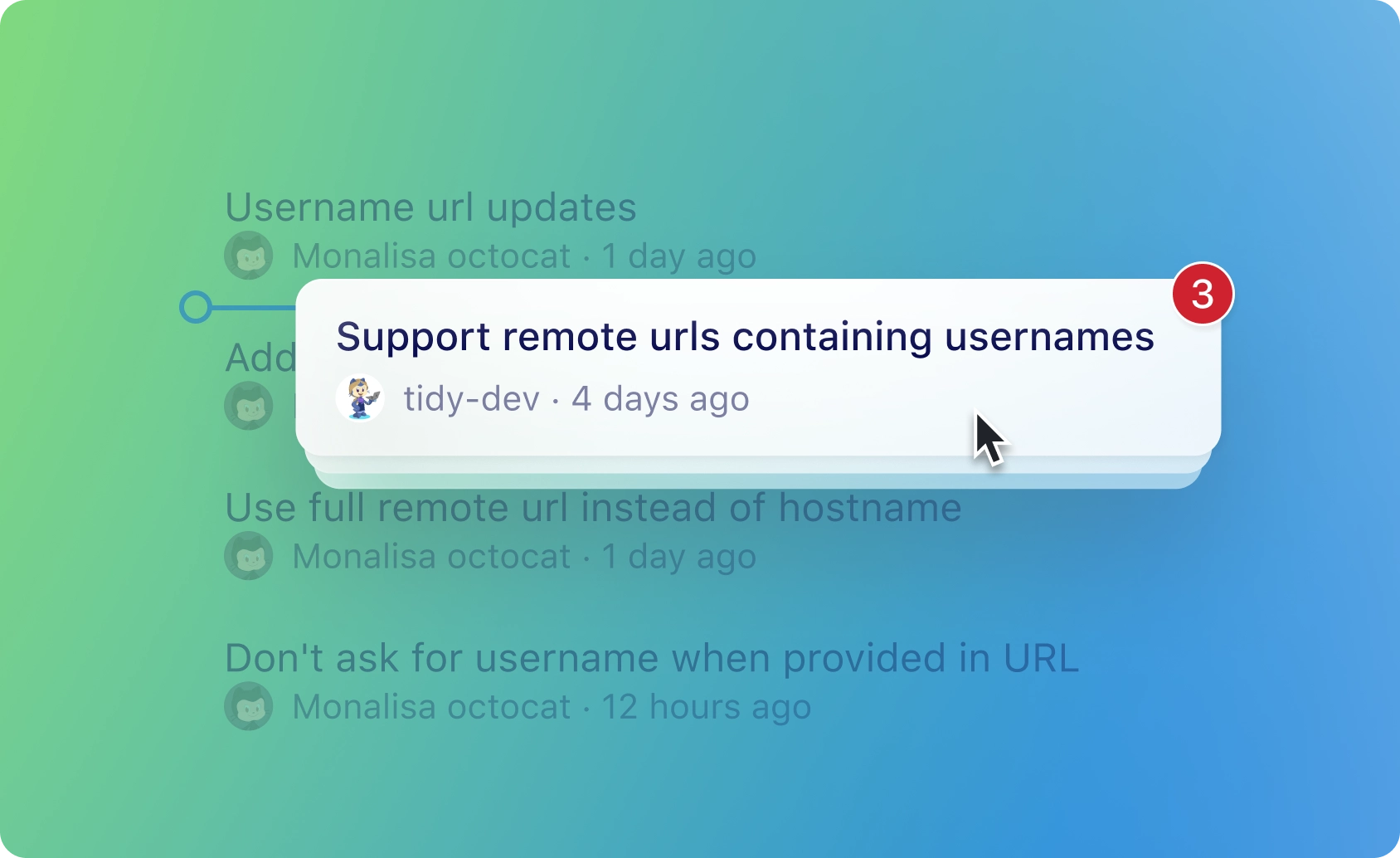
Drag and drop to cherry-pick, squash, or reorder commits
Copy commits from one branch to another, combine multiple commits in your branch history, or alter your commit history with an intuitive drag and drop functionality unique to GitHub Desktop.
Stash your changes without committing them to a branch
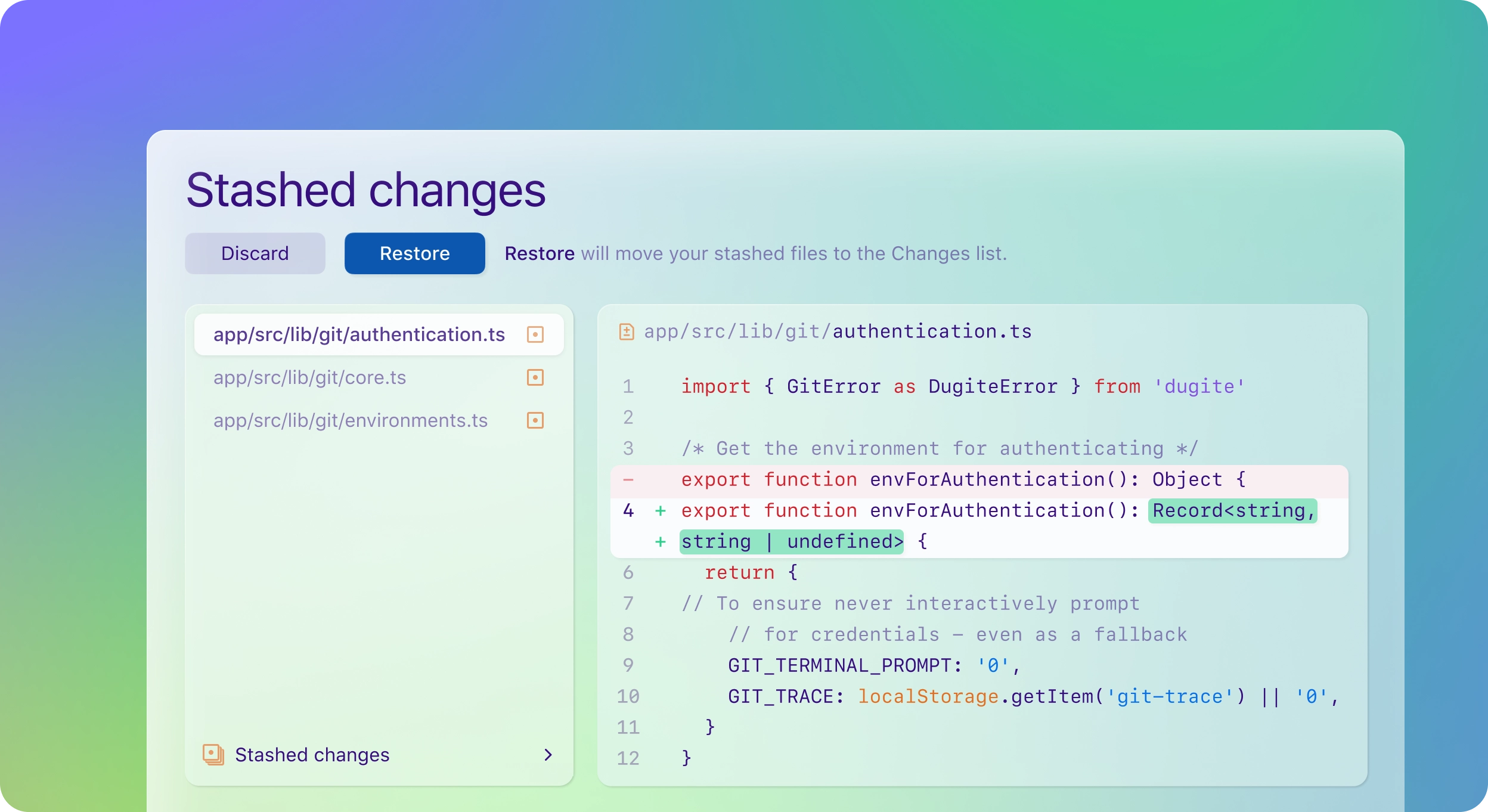
Stash your changes without committing them to a branch
- Manage your work-in-progress by saving changes that you’re not ready to commit to quite yet.
- This will maximize your efficiency, flexibility, and creativity.
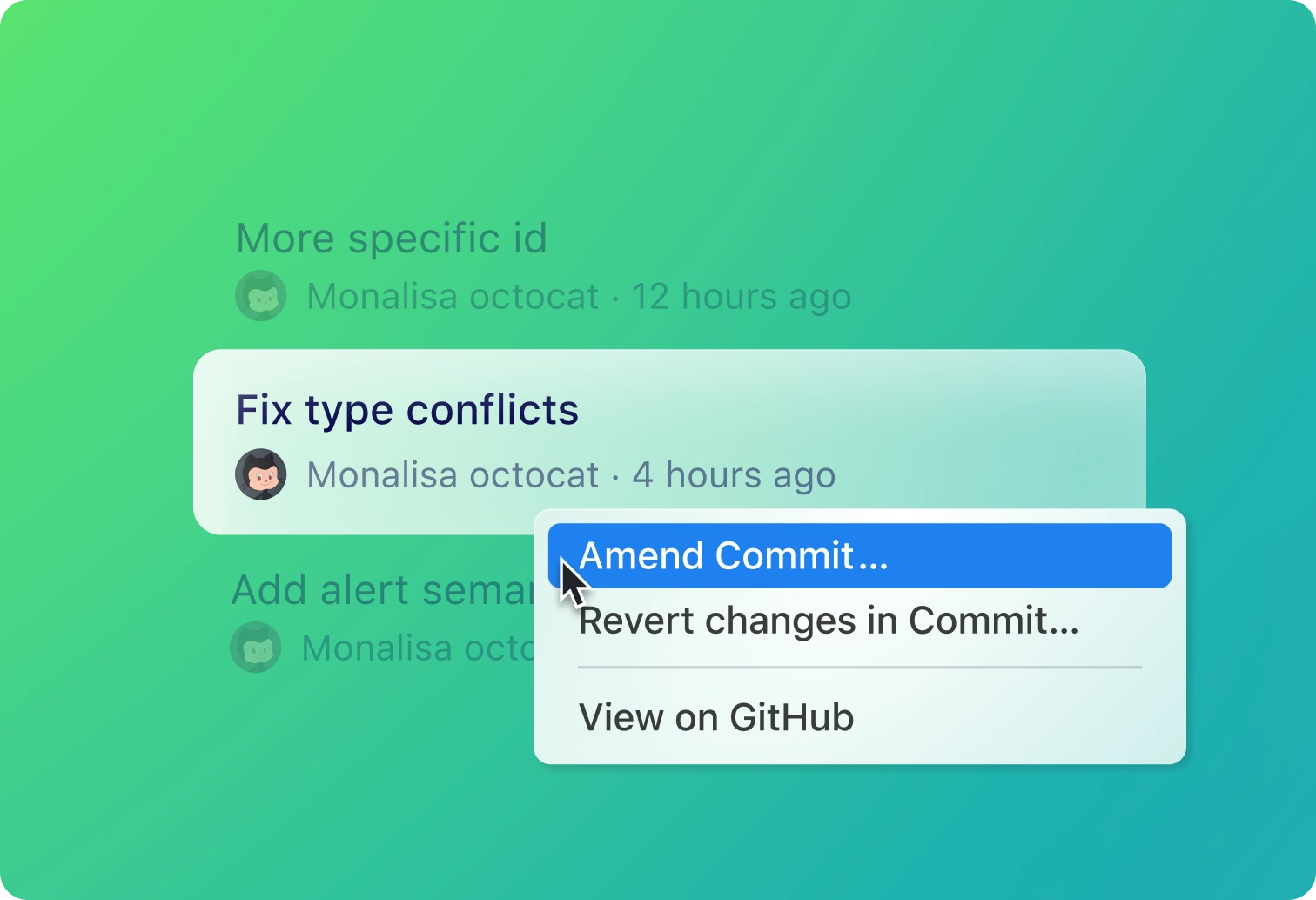
Maintain flexibility and seamless management of your codebase
Make adjustments to update messages, incorporate new changes, or revert to earlier states when needed. Easily make changes to your project’s history with simple adjustments and reversals.