Socket Slack alerts
- Integrations
You can configure a Slack Webhook URL in your organization dashboard which will receive any new or updated pull request notifications generated by the Socket Organization's associated GitHub app installation.
After you have installed the Socket GitHub app and logged into your Socket Organization's dashboard, follow these steps to configure this feature:
- Create a Webhook URL on your Slack server that will post messages to the desired slack channel. Follow the instructions on the Slack docs here: https://api.slack.com/messaging/webhooks
- Visit Settings → Integrations → Slack in your Organization's dashboard. The URL to this page follows this URL pattern:
https://socket.dev/dashboard/org/{OrgName}/settings/integrations/slack - Enter the Slack webhook URL generated in step 1 into the Slack Webhook settings section:
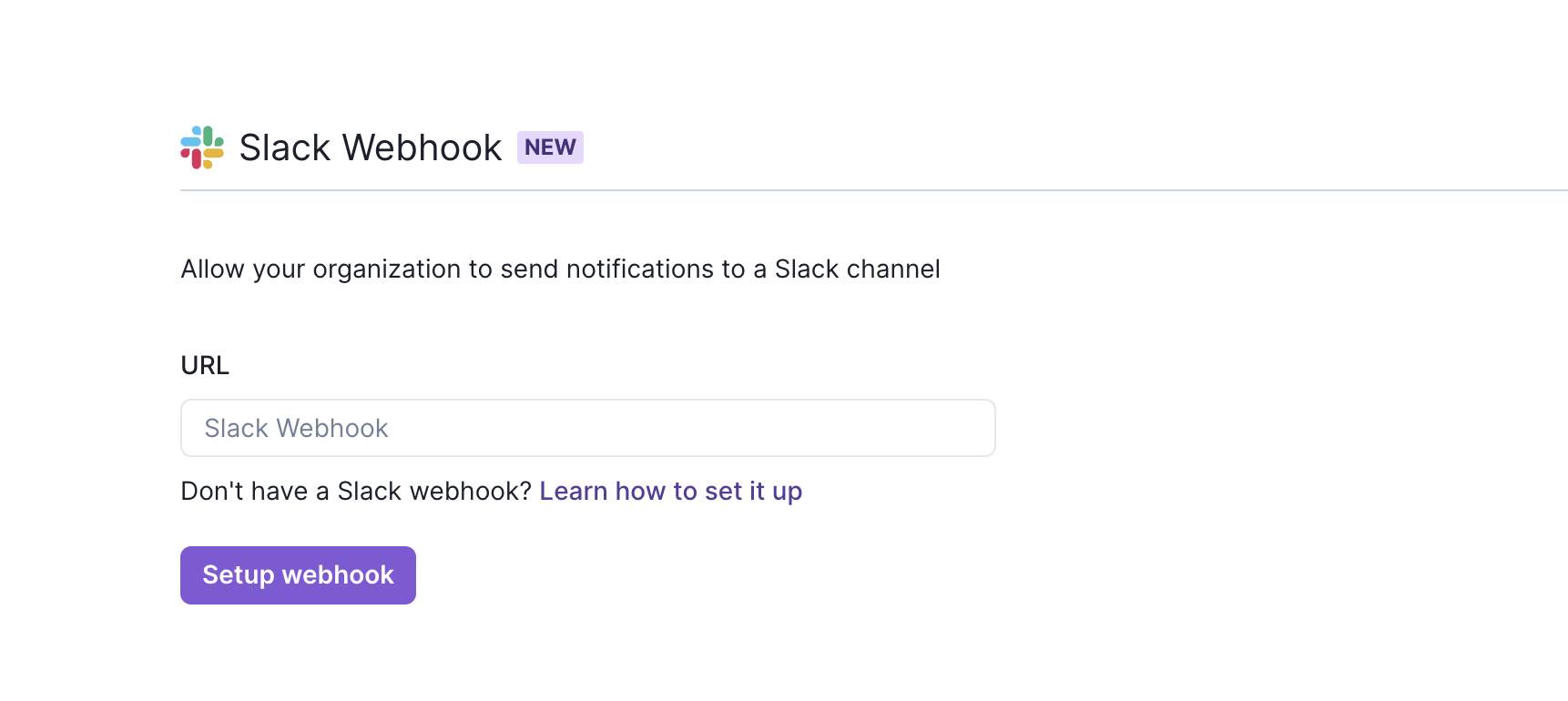
- Visit Settings → Integrations → Slack in your organization's dashboard:
https://socket.dev/dashboard/org/{OrgName}/settings/integrations/slack - Press the
xbutton and then pressSetup Webhook. - The configured webhook URL is removed from your Socket Organization and will no longer receive messages.
- Optionally delete the configured Webhook URL from your Slack account.