GitHub - VividcodeIO/java-microservice-helm-example: Manage Java Microservice using Helm and Helmfile
A microservice app created with Spring Boot 2.6.3 which accesses a PostgreSQL database and exposes a REST API.
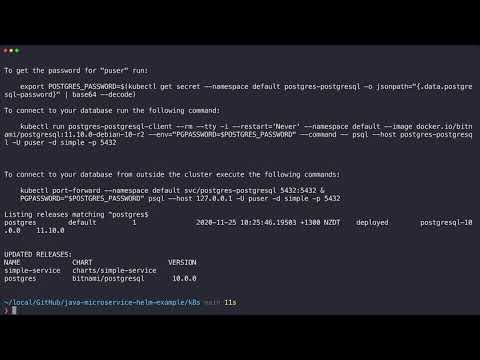
See the video below:
Helm Chart
k8s/charts/simple-service is the Helm chart to install this microservice.
Below are some key points of this Helm chart.
Spring Boot Actuator is used to expose endpoints for liveness and readiness probes.
ports:
  - name: http
    containerPort: 8080
    protocol: TCP
livenessProbe:
  httpGet:
    path: /actuator/health/liveness
    port: http
  failureThreshold: 3
readinessProbe:
  httpGet:
    path: /actuator/health/readiness
    port: http
  failureThreshold: 3
Database configurations are passed using environment variables. These environment variables will be used by Spring, see application.yaml file.
env:
  - name: DB_HOST
    value: {{ .Values.app.db.host | quote }}
  - name: DB_PORT
    value: {{ .Values.app.db.port | quote }}
  - name: DB_USER
    value: {{ .Values.app.db.username | quote }}
  - name: DB_PASSWORD
    value: {{ .Values.app.db.password | quote }}
  - name: DB_NAME
    value: {{ .Values.app.db.database | quote }}
Helmfile
The k8s/helmfile.yaml file is used to install microservice and PostgreSQL.
The k8s/dev.yaml file contains the configuration values for the default environment.
In the helmfile.yaml, configurations like postgres.username are passed to the microservice and PostgreSQL.
How to Use
-
Start Minikube.
-
Use
minikube docker-envto print out the instructions on how to configure Docker client in the current terminal to use Docker runtime in Minikube. -
Build container image using
mvn package. -
Go to
k8sdirectory and runhelmfile applyto install service and PostgreSQL.
After installation is done, use minikube service --url simple-service-simpleservice to get the URL to access the service, then use curl or HTTPie to test the API.
http <service_url>/api/v1/user/1