Lets-Plot Geocoding: Convert Place Names to Geographic Coordinates
Administrative Levels#
Country#

World countries

Canada
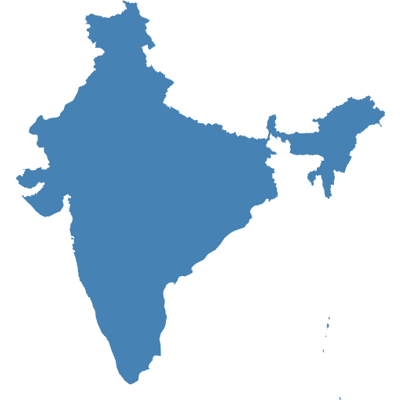
India
State#

US states
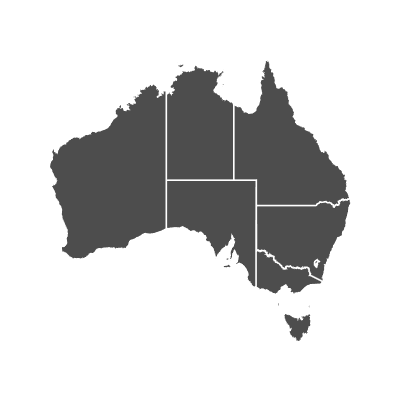
Australia states
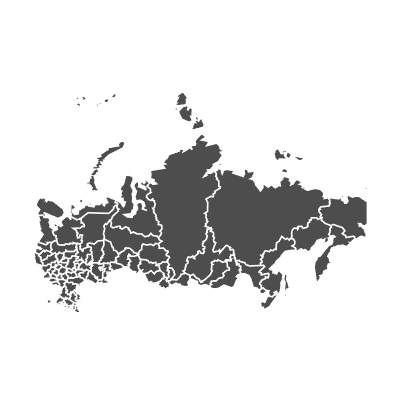
Russia states
County#

US counties

Italy counties

Poland counties
City#
Geometries#
Polygons#

Brazil

Nigeria states

Greece counties
Points#
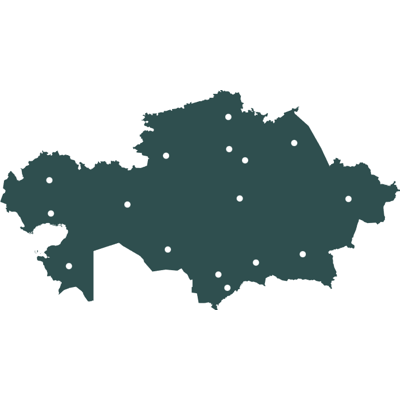
Kazakhstan state centroids

Georgia county centroids

Greenland cities
Rectangles#

Japan bounding box with states

Ireland county bounding boxes

Cuba bounding box with cities
Guides to Geocoding#
Documentation: The Geocoding Reference Guide.
An example covering various geocoding use-cases: geocoding_reference.ipynb.
Key Features#


Geospatial Visualization
Find spatial objects with the help of our powerful and easy to use Geocoding module. In case you already have GeoDataFrame on hand - plot it straight away.

Interactive Maps
Interactive maps allow zooming and panning around your geospatial data with customizable vector or raster basemaps as a backdrop. Learn more.


‘bistro’ Plots
Ready-to-use compound plots - correlation matrices, Q-Q plots, joint plots, residual plots - that combine multiple geoms, scales, and settings into one call. Learn more.


Panning and Zooming
Enable an interactive toolbar with ggtb() to pan and zoom any chart - rubber-band zoom, center-point zoom, and pan tools. Learn more.


Customizable Tooltips and Annotations
You can customize the content, values formatting and appearance of tooltip and annotation for layers of your plot.


Formatting
Lets-Plot supports formatting of numeric and date-time values in tooltips, annotations, legends, on the axes and text geometry layer. Learn more.


Option to Display Plots in External Browser
With the “show externally” mode enabled, you can easily display a plot in an external browser by invoking its show() method. Learn more.


Sampling
Sampling is a special technique of data transformation, which helps to deal with large datasets and overplotting. Learn more.


‘No Javascript’ and Offline Mode
In the ‘no javascript’ mode Lets-Plot generates plots as bare-bones SVG images. Plots in the notebook with option offline=True will be working without an Internet connection. Learn more.