IDE Integrations - Security Built Into Your IDE | Aikido
Fix issues as you code– not after. Save time, money, and headache fixing vulnerabilities. Aikido adds security directly into the IDE with in-line advice to fix vulnerabilities before commit.
Your data won't be shared · Read-only access · No CC required
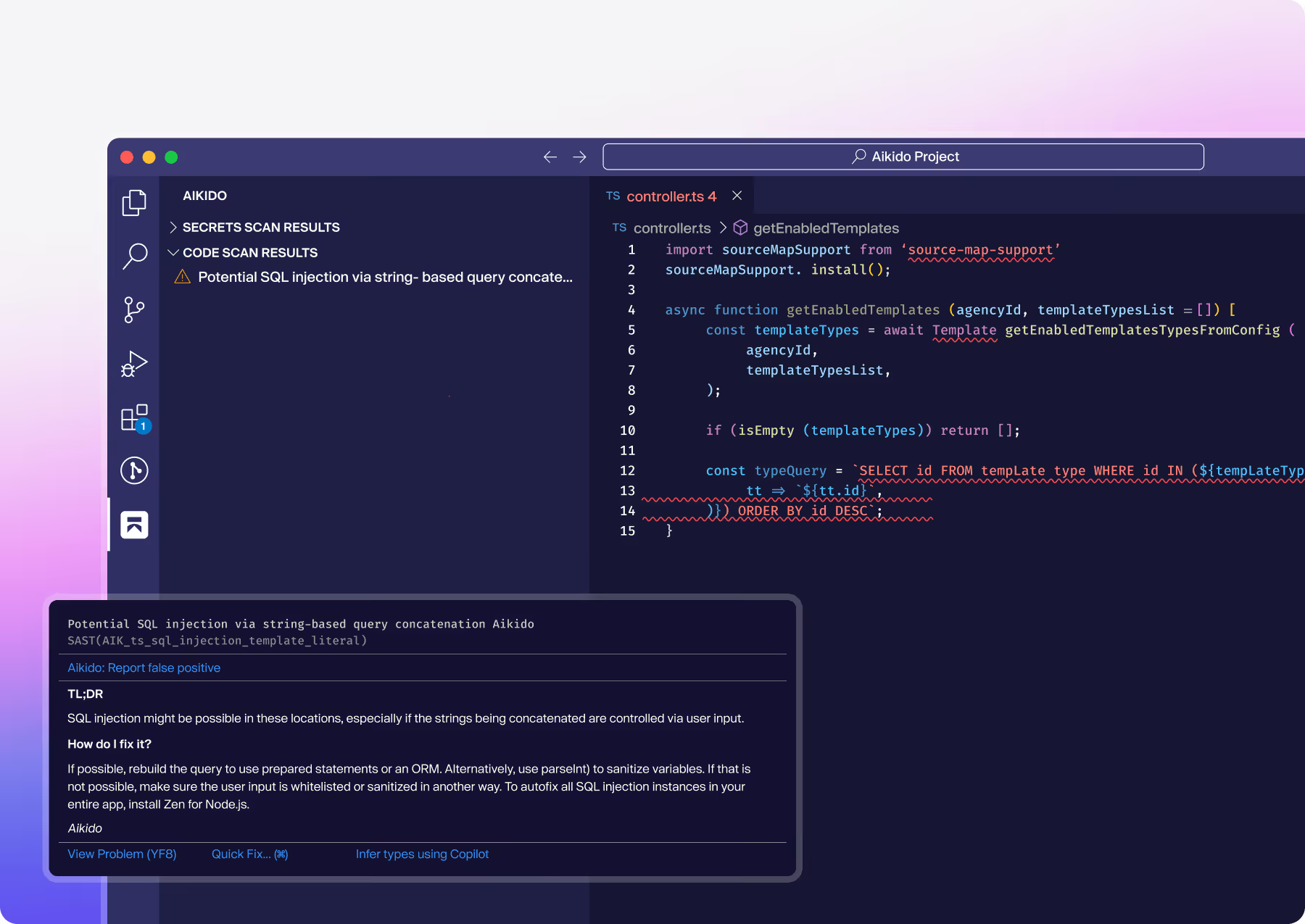

Aikido supports your IDE
Aikido’s IDE plugins flag vulnerabilities early, before code is committed
Security issues slow your devs down if they are found late.
Covers all major languages

JavaScript

Go

Python

and more...
Key features
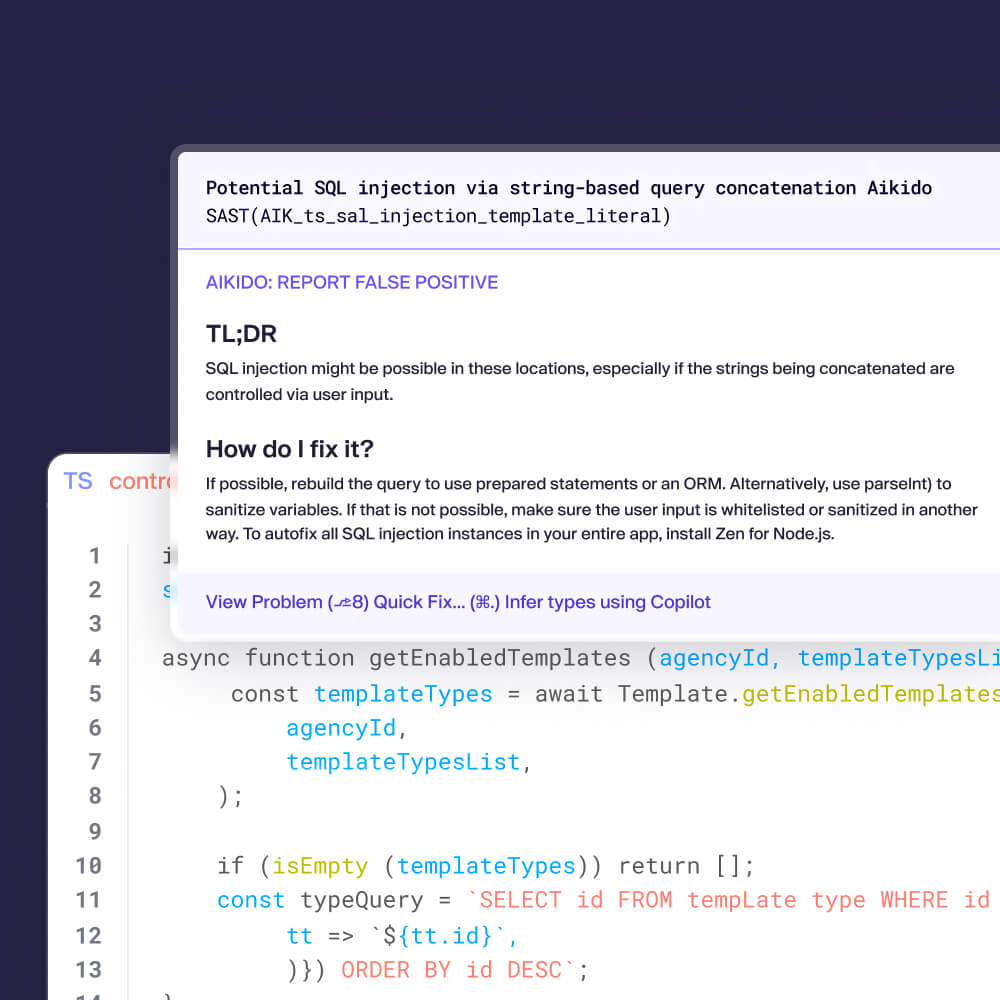
Secure code in realtime
Aikido IDE plug-in scans your code in real-time. Secure your code as its written, catch vulnerabilities before commit.
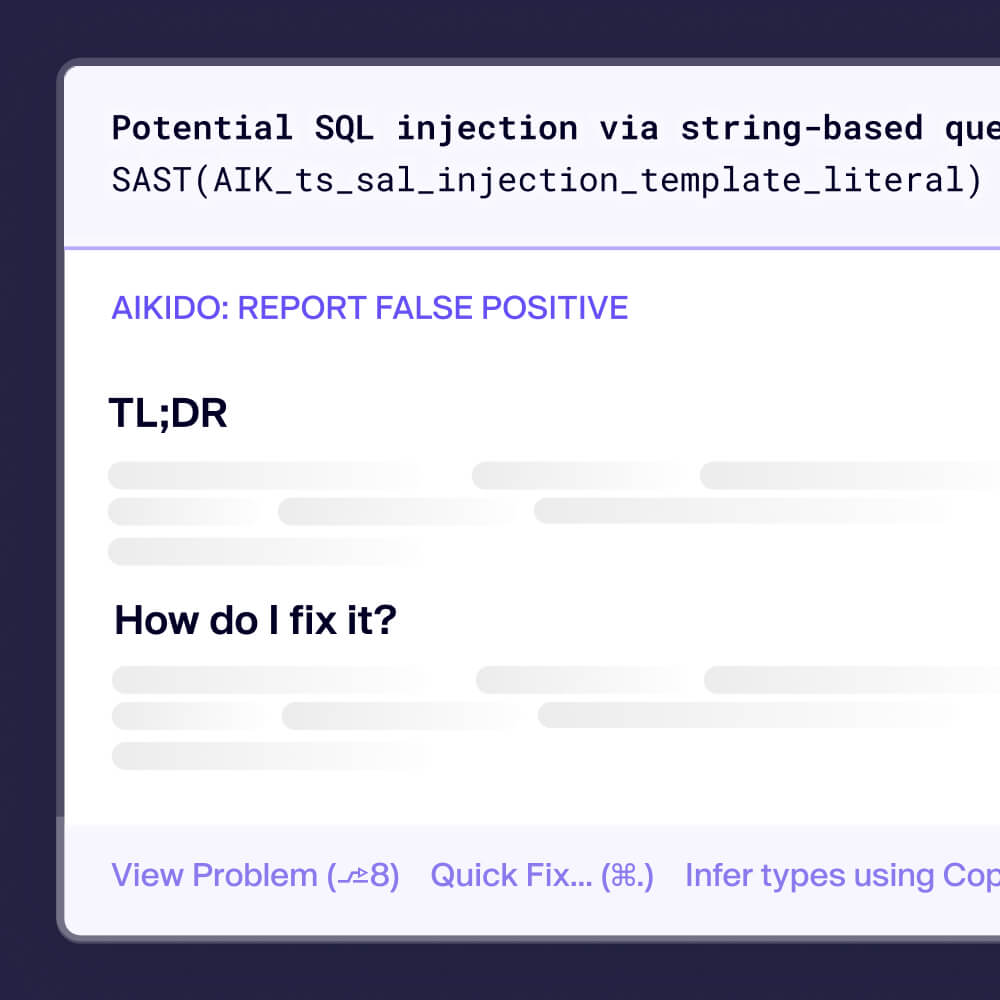
Fix before commit
Clear remediation steps with proposed fixes help you resolve issues instantly.
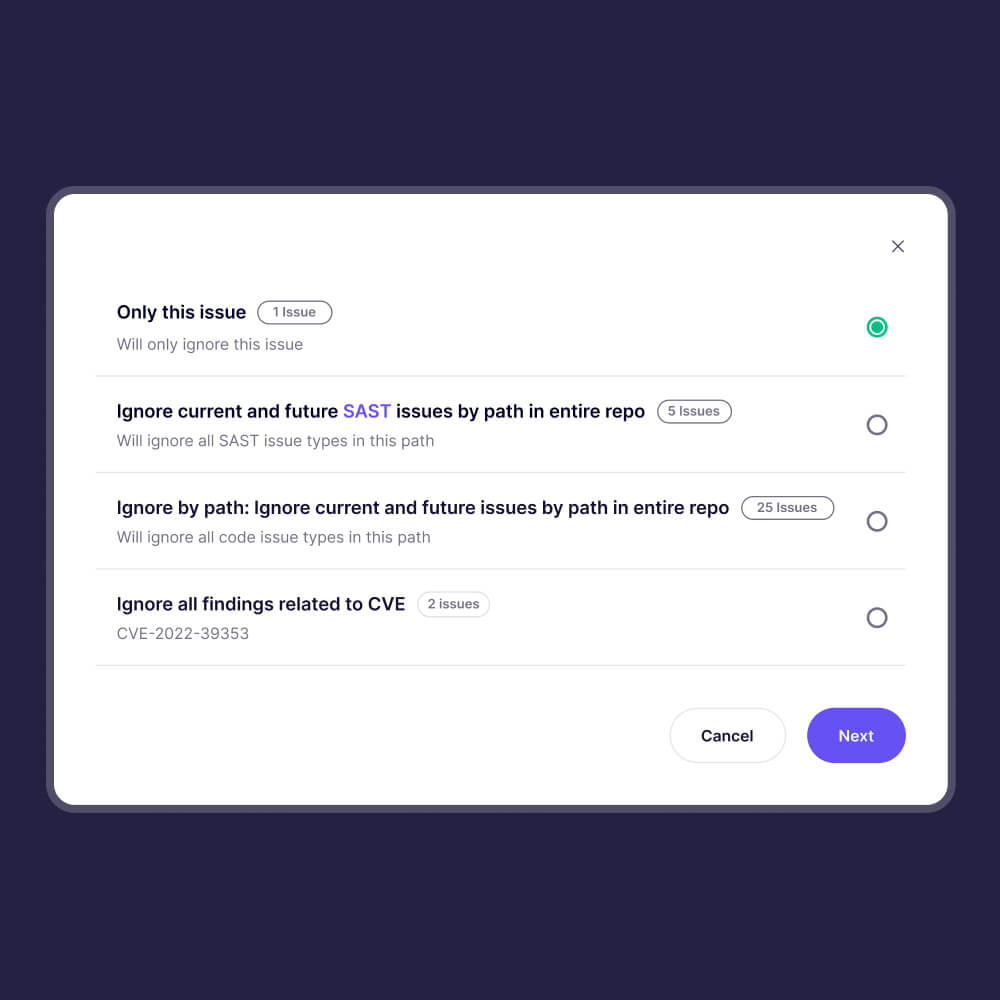
Company-wide coverage
Aikido IDE plug-ins inherit your company configurations, from custom ignore rules to severity settings.
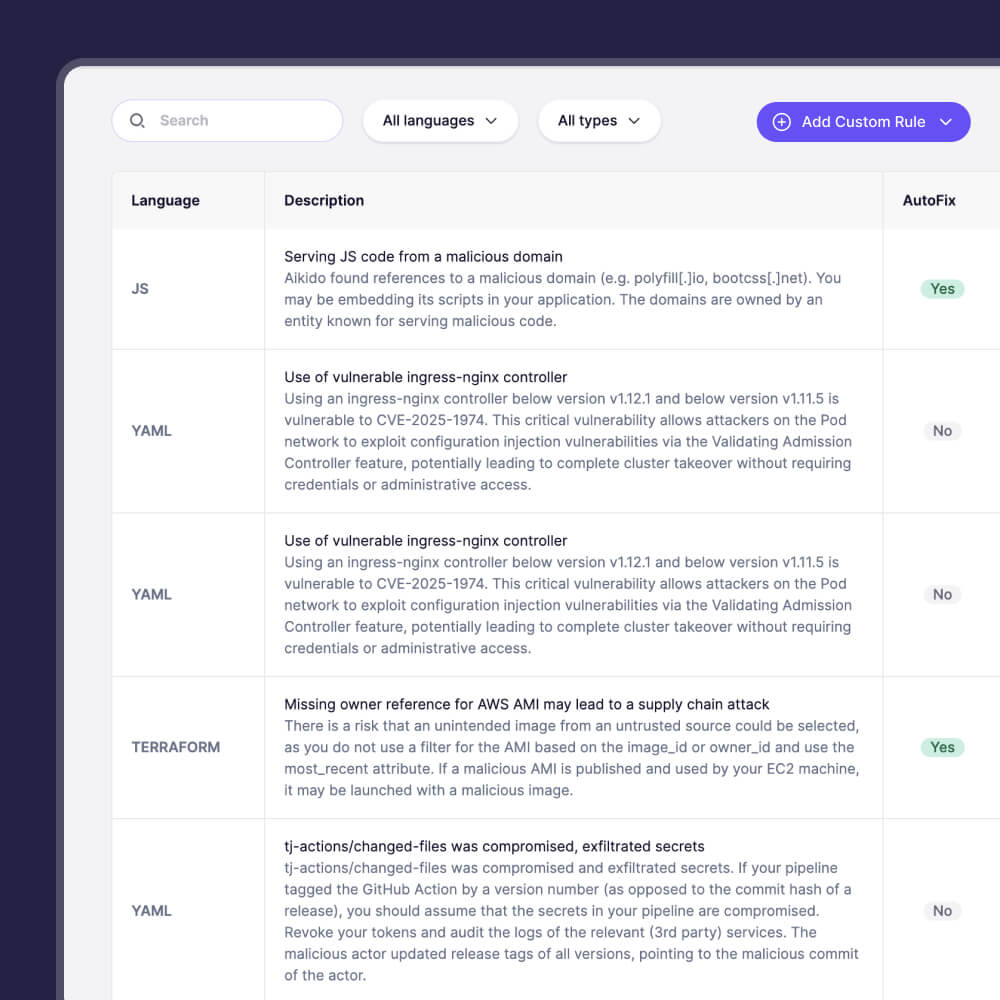
Custom SAST rules in IDE
All custom rules you set in Aikido will sync down to the IDE
Consistent developer security
Ensure consistent security practices across all developers, without slowing down development.
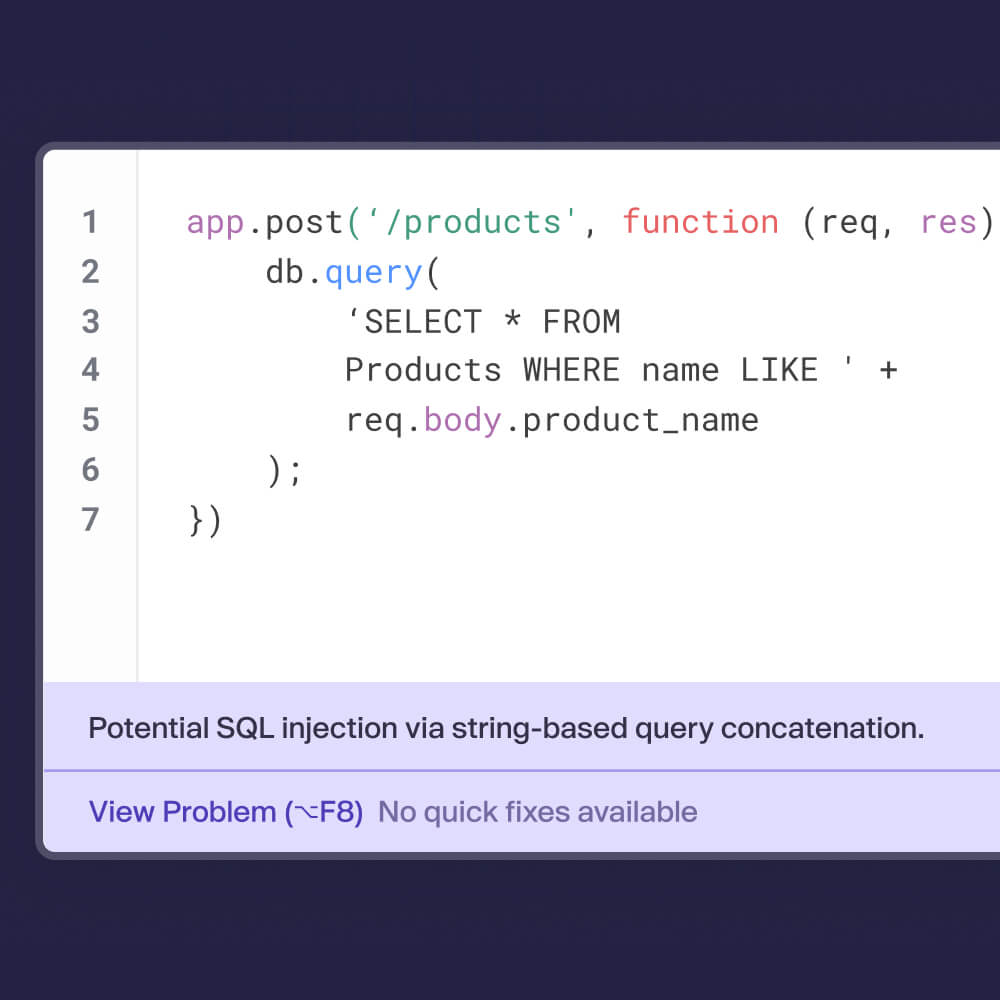
AutoFix directly in your IDE
Aikido IDE AutoFixes code in real time. Fix issues with 1-click suggestions as your code is written, or generated.
Don’t break the dev flow
Connect your task management, messaging tool, compliance suite & CI to track & solve issues in the tools you already use.

Drata

Asana

Vanta

YouTrack

VSCode

GitLab

BitBucket Pipes

Microsoft Teams

Monday

Jira

GitHub

Azure Pipelines

ClickUp
YouTrack
VSCode
Vanta
Monday
Jira
GitLab
GitHub
Drata
ClickUp
BitBucket Pipes
Azure Pipelines
Asana
Microsoft Teams
YouTrack
VSCode
Vanta
Monday
Jira
GitLab
GitHub
Drata
ClickUp
BitBucket Pipes
Azure Pipelines
Asana
Microsoft Teams
YouTrack
VSCode
Vanta
Monday
Jira
GitLab
GitHub
Drata
ClickUp
BitBucket Pipes
Azure Pipelines
Asana
Microsoft Teams
YouTrack
VSCode
Vanta
Monday
Jira
GitLab
GitHub
Drata
ClickUp
BitBucket Pipes
Azure Pipelines
Asana
Microsoft Teams
GitLab
YouTrack
VSCode
GitHub
Vanta
Drata
ClickUp
BitBucket Pipes
Azure Pipelines
Jira
Asana
Microsoft Teams
Monday
Not at all! As an Aikido user on the Free plan you can create a token, which will enable the IDE plugin for VSCode, Cursor, and Windsurf that allows you to scan for SAST & secrets (in JavaScript, TypeScript, and Python). Looking for other IDE plugins, more scanning coverage, or support for different languages? Then you'll need to switch to one of our paid plans.
The Aikido IDE plugin detects common security vulnerabilities such as SQL injection, XSS, hardcoded secrets, insecure dependencies, misconfigurations, and more.
Aikido's free plan includes IDE support for SAST & Secrets detection – other scans are offered in our paid plan.
The plugin supports multiple languages, including JavaScript, TypeScript, Python, Go, Java, and more. Support for new languages are continuously added.
Aikido's free plan includes IDE support for JavaScript, TypeScript, and Python.
Currently, Aikido provides support for Visual Studio Code, all JetBrains IDEs, Cursor and Windsurf with more coming soon.
Aikido's IDE plugins for Visual Studio Code, Cursor & Windsurf are available for free – the others are included in our paid plans.
You can install the plugin directly from the VS Code Marketplace or JetBrains Plugin Repository. For other IDEs, check out our Help Center for the manual installation instructions.
Secure your IDEs today
Secure your code, cloud, and runtime in one central system.
Find and fix vulnerabilities fast automatically.